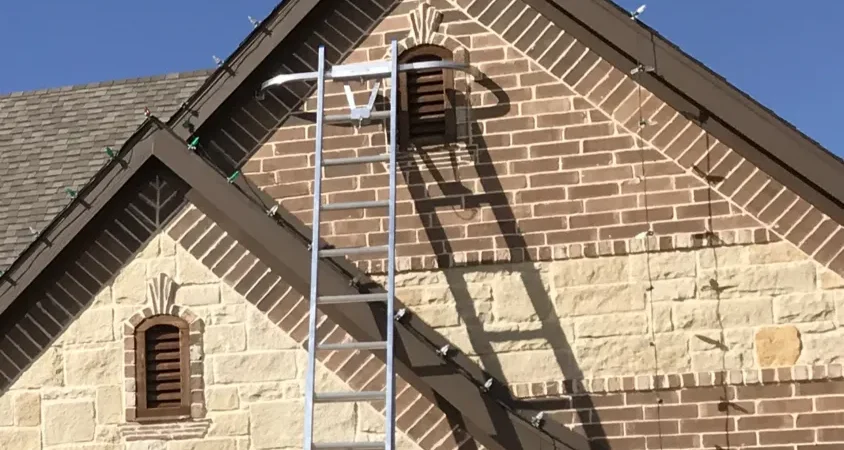
Design, measure and price a Christmas light job from your phone, right in the driveway.
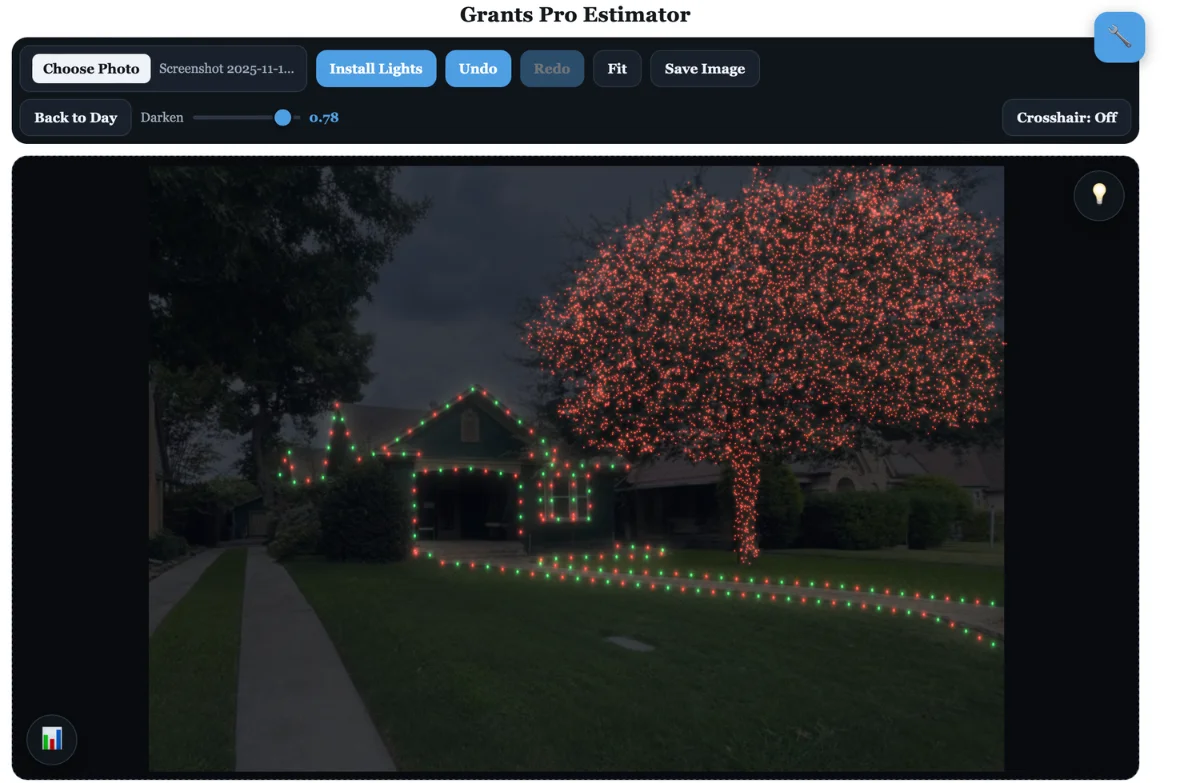
Grants Pro Estimator
Works in your browser on iPhone, Android, tablets and computers. Nothing to download.
Free version · Full version $79.99/month or $389.99/year
Short answer: Grants Pro Estimator runs in the browser on iPhone and Android, so you can upload a photo of the house, measure the roofline, design the lights and build the estimate before you leave the property. Pair it with a CRM to schedule, invoice and rebook customers every season.
In this guide:
- Quote from the driveway
- Measure rooflines from a photo
- Colors, spacing and patterns
- Wreaths, garland and decor
- Crew install guides
- Commercial and HOA jobs
- Why add a CRM
- Your website
- ChatGPT for mockups and marketing
- How it all works together
1. Quote from the driveway

- Take a photo of the house from the street.
- Open the app in your phone’s browser and upload the photo.
- Set the scale using a known measurement, like a garage door.
- Draw the lights. Footage, materials and price update as you go.
- Show the customer the mockup and the price before you leave.
2. Measure rooflines from a photo

- Set the scale once per photo.
- Trace each roofline run.
- The app calculates footage, light quantities and materials.
- Add your price per foot and the estimate builds itself.
Prefer measuring by hand? See how to measure a roofline.
3. Colors, spacing and patterns

- Pick bulb colors and spacing to match the customer’s choice.
- Compare color combinations side by side.
- Build a pattern, like red and white or red, white and green.
- Add mini lights to trees and bushes and adjust how full they look.
4. Wreaths, garland and decor
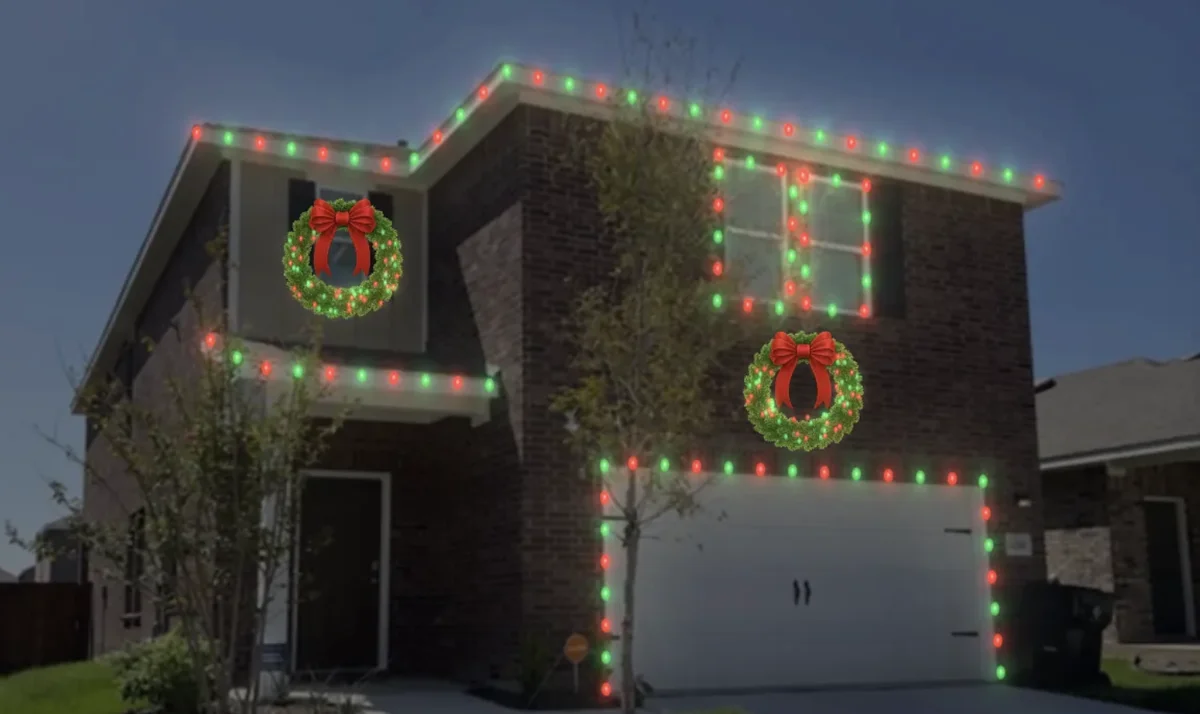
- Drag a wreath, garland or bow onto the photo.
- Resize, rotate and place it on doors, arches, columns and windows.
- Watch the electrical load as you add more, so the design stays within what the outlets can handle.
5. Crew install guides

- Add symbols and arrows to the design to mark start points, plugs and runs.
- Save the image and send it to your crew with the job.
- Your crew installs exactly what the customer approved.
6. Commercial and HOA jobs

- Design entrances, storefronts and common areas the same way.
- Add your logo and branding so the proposal looks professional.
- Send the mockup with your bid to the board or property manager.
See Grants Pro Estimator plans
7. Why add a CRM
The design app wins the sale. A CRM (customer relationship manager) like Jobber, which many Christmas light installers use, runs everything after that.
- One place for every customer: name, address, photos, notes and what you installed last year.
- Quotes and invoices: send quotes with photos attached and get paid online.
- Scheduling: plan install and takedown days for the whole season.
- Reviews: ask for a Google review after every finished job.
- Repeat business: email past customers each fall to rebook, which fits the lease-and-reuse model.
- Marketing: send promotions to everyone who filled out a form.
Most installers use the design app and the CRM together. One doesn’t replace the other.
8. Your website: WordPress or Squarespace
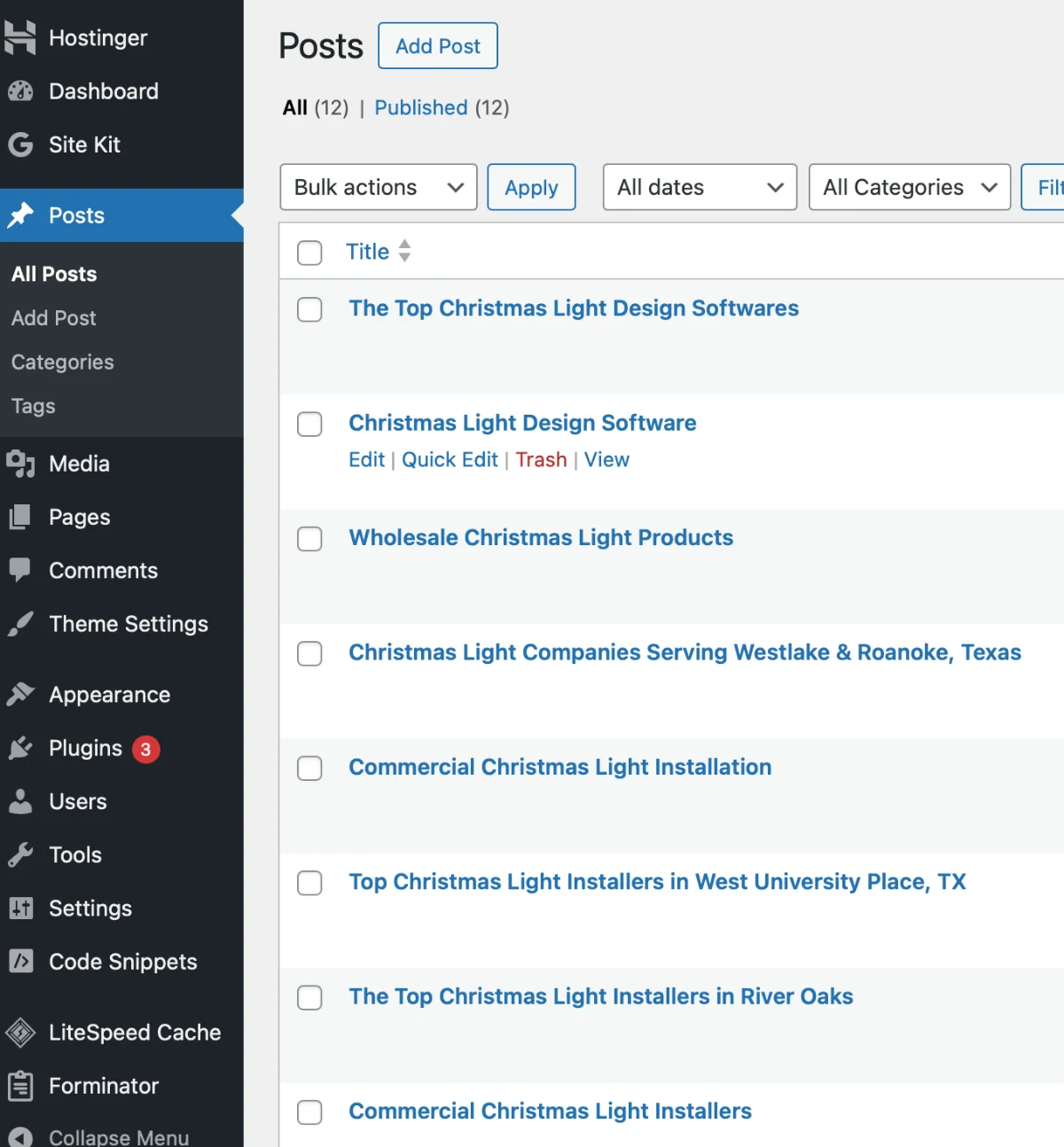
- WordPress: a strong choice for blog-heavy sites that want to rank locally.
- Squarespace: easy to use, with built-in forms, scheduling, e-commerce and blogs.
- Either way, write clear, useful pages for each service and city you serve.
- Get found for free too: list your company on ChristmasPlug.
9. ChatGPT for mockups and marketing

- Finish your design in the app and save the image.
- Upload it to ChatGPT with a prompt like: “This is a Christmas light mockup. Enhance the image like a professional photographer.”
- Use the polished image in the proposal and on social media.
- ChatGPT can also draft a marketing plan, homepage copy and service pages for your website.
10. How it all works together
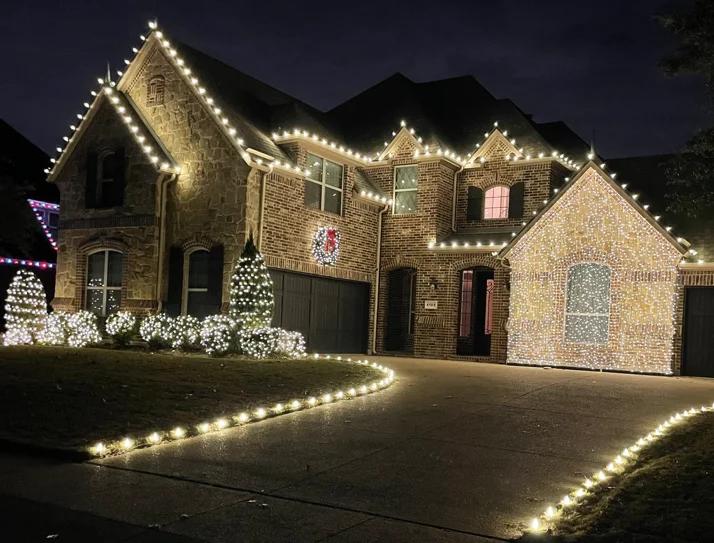
- A homeowner finds you through your website or ChristmasPlug.
- You design and price the job in Grants Pro Estimator from your phone.
- The quote, schedule and invoice go into your CRM.
- After the install, the CRM asks for a review and rebooks them next season.
On a computer instead? See Christmas Light Estimator.
Quick answers
Is there a Christmas light estimating app for iPhone and Android?
Yes. Grants Pro Estimator works in the browser on iPhone, Android, tablets and computers, so there is nothing to download. Upload a photo, set the scale, design the lights and build the estimate on site.
How much does Grants Pro Estimator cost?
There is a free version to try. The full version is $79.99 per month or $389.99 per year.
Can I measure a roofline from a photo on my phone?
Yes. Set the scale with a known measurement like a garage door, then trace the roofline. The app calculates footage, materials and price as you draw.
Do I need a CRM for a Christmas light business?
A CRM like Jobber keeps customers, quotes, schedules, invoices and review requests in one place, and makes it easy to rebook customers every season. Most installers use it alongside their design app.
Can ChatGPT help with Christmas light mockups?
Yes. Upload a finished mockup and ask ChatGPT to enhance it like a professional photo. It can also help write marketing plans and website copy.

Author: ChristmasPlug Team
The ChristmasPlug team: Christmas light installers with nine years in the trade.